GPU memory capacity significantly impacts CAD, BIM, visualization, and AI project efficiency, warns Greg Corke in AEC Magazine. Even the fastest GPUs stall if they exhaust memory, forcing slower system RAM paging and causing workflow delays or crashes.
What Happened
CAD and BIM software like Solidworks and Autodesk Revit typically run well on 8 GB GPUs such as Nvidia RTX A1000. However, increasing model complexity, higher display resolutions (4K vs. FHD), and realistic rendering modes raise GPU memory demands. Visualization tools like Twinmotion, Enscape, and Unreal Engine require even more memory, with professional GPUs offering 16 GB to 24 GB or more to handle high-resolution textures, dynamic lighting, and complex scenes.
Why It Matters for the AECM Industry
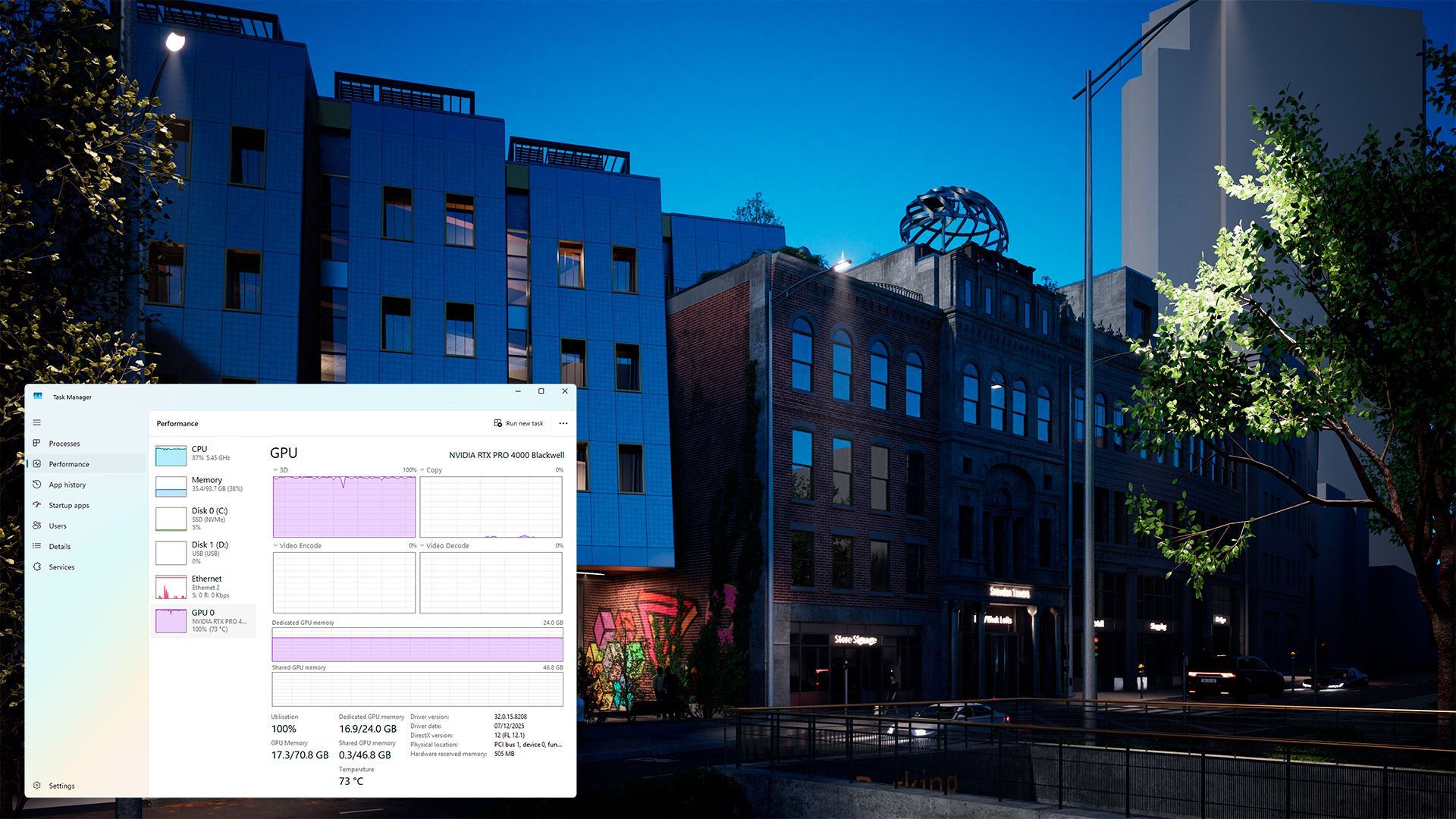
Running out of GPU memory causes frame rates to collapse from 30–60 FPS to as low as 1–2 FPS, severely hindering navigation and risking software crashes. Large projects with urban environments and detailed vegetation can consume over 20 GB of GPU memory. Selecting GPUs with sufficient memory ensures smooth, responsive workflows, enabling designers and engineers to push visual realism without performance drops.
What's Next
As CAD and BIM software adopt advanced graphics APIs and increase viewport realism, GPU memory requirements will rise further. Industry professionals should plan workstation purchases with future-proof GPUs exceeding 8 GB memory to avoid bottlenecks in upcoming projects.
Is your firm ready for what’s next?
VisioneerIT helps AECM and government contractors modernize operations, achieve compliance, and implement AI.
Explore VisioneerIT Solutions →